PTXPrint for macOS Intel (x86_64), ptx2pdf
PTXPrint is a tool running on macOS, Linux and Windows to create read-to-print PDFs mainly for complex bible layout. It uses source text as input from Paratext but Paratext itself is not required.
This is a non-official release of PTXPrint for macOS Intel chip (x86_64) because PTXPrint does only works with macOS Apple Silicon.
But you can download PTXPrint for macOS Intel here, or compile it by yourself, see Links [1] below.
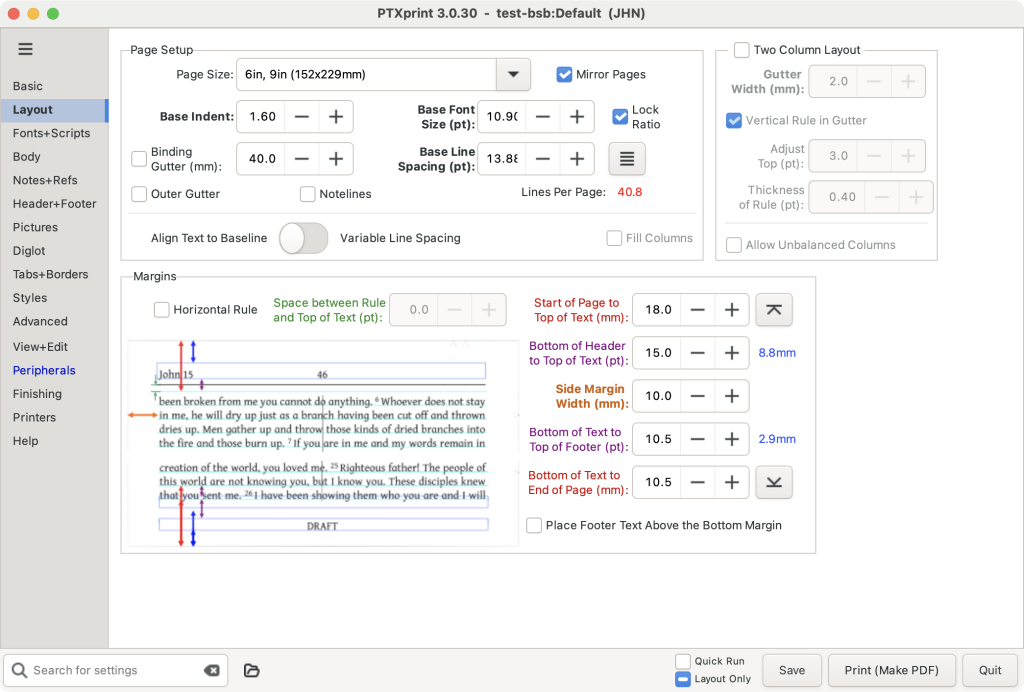
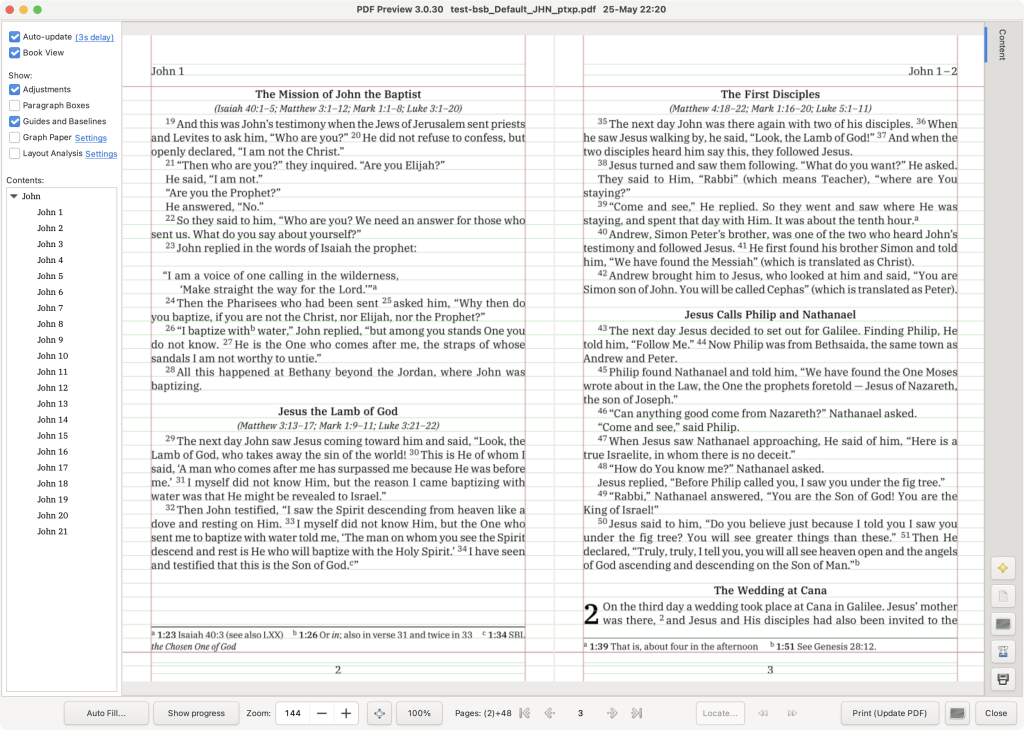
Install and Setup
Step 1. Install required Fonts
https://fonts.google.com/specimen/Source+Code+Pro
Just double click on all font files within macOS Finder to install fonts. This is required because it seems to be that this font is hard coded somehow.
Step 2. Install xetex from Homebrew
% brew install xetex
If you do not have Homebrew (brew) for macOS, install it, see here: https://brew.sh/
Step 3: Download PTXPrint for macOS Intel version
PTXPrint for macOS Intel
3.1 Download here:
https://www.flagsoft.com/public/ptxprint/
Available versions:
PTXPrint 2.9.5
PTXPrint 2.9.6
PTXPrint 3.0
PTXPrint 3.0.30
PTXPrint 3.0.31
PTXPrint 3.0.32
PTXPrint 3.0.33
PTXPrint 3.0.34
PTXPrint 3.0.35
PTXPrint 3.0.36
PTXPrint 3.0.37
3.2 Check your downloaded ZIP file for checksum sha256sum
% sha256sum PTXprint.zip
Step 4: Run it!
Just double click the PTXprint.app from Finder within macOS.
Troubleshooting
If something goes wrong, start the app from command line like this and check output:
% ./PTXprint.app/Contents/MacOS/PTXprint-app
Links
[1] https://github.com/flagsoft/ptx2pdf - Github fork of PTXPrint for macOS Intel version.
[2] https://software.sil.org/ptxprint/download/ - PTXPrint official version, but macOS apple silicon only versions. [AUG. 2026]
[3] https://paratext.org/ - Paratext, Text editor to create complex bibel layouts.
[4] https://software.sil.org/ptxprint/learn/ - Getting Started: Instructions, Tooltips, Slides & Videos to get you on your way


